Minitab Express Installation Instructions
CWRU
ITS SOFTWARE CENTER
PLEASE NOTE THAT THE INSTALLER WINDOW MAY BE UNDER THIS BROWSER
WINDOW
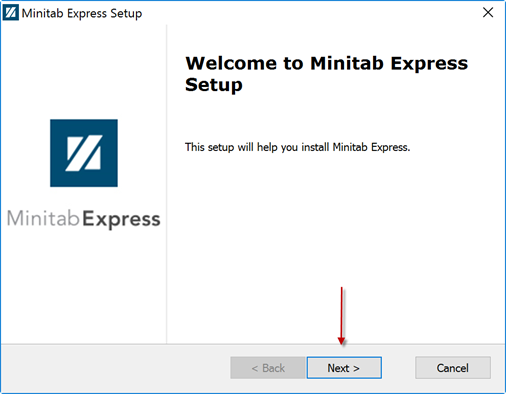
Welcome screen, press “Next >” to continue.
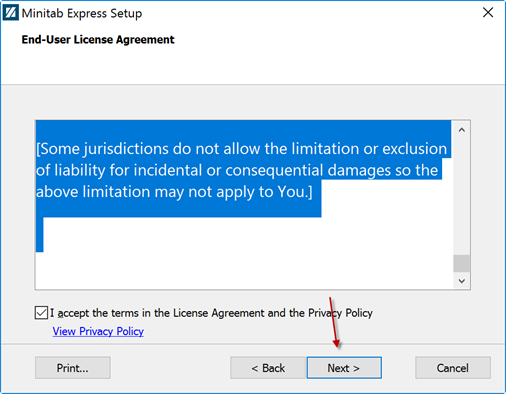
Please check the “I accept…” box and press “Next >” to continue.
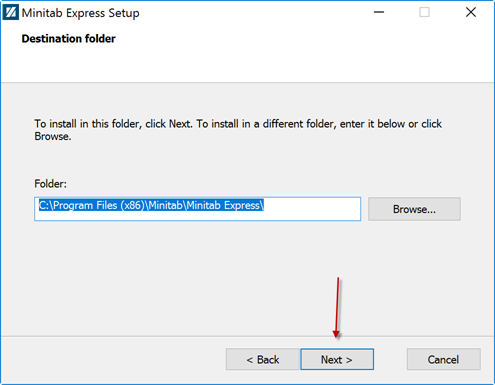
Destination folder. You may keep the default or choose another. Press “Next
>” to continue.
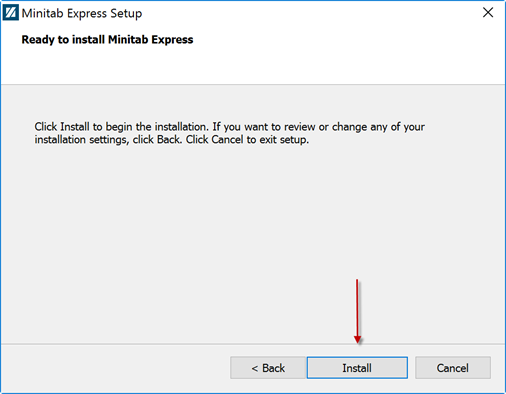
Installation is ready to begin, press “Install” to start the installation
process.
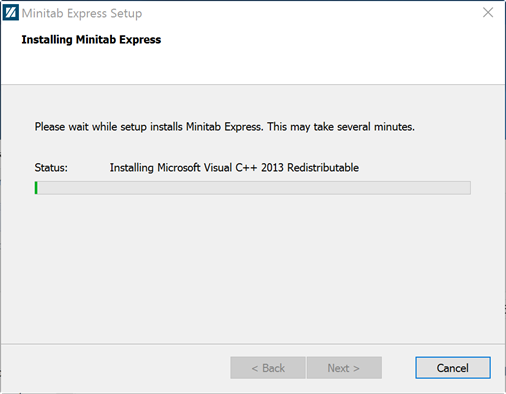
Installation in progress, please wait…
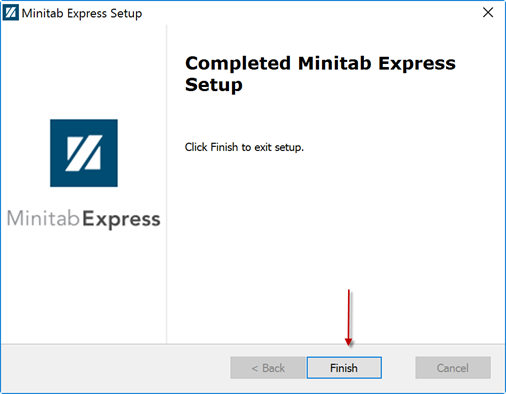
Installation is complete, press “Finish” to exit the installer.
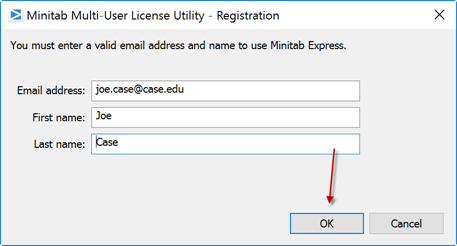
When Minitab Express runs for the first time you will be asked to enter the
information
as shown above. Please enter your correct information, the information above is
for illustration purposes only.
For installation help, please call the Utech Help Desk at 216-368-HELP