WebDrive 10.1 Installation Instructions - CWRU ITS Software Center
Check For The Installer Window Under This Browser Window
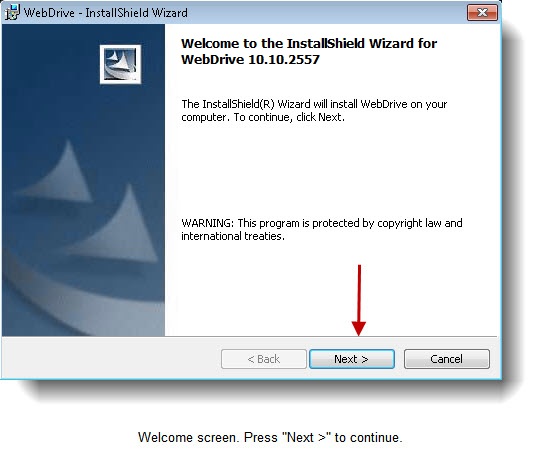
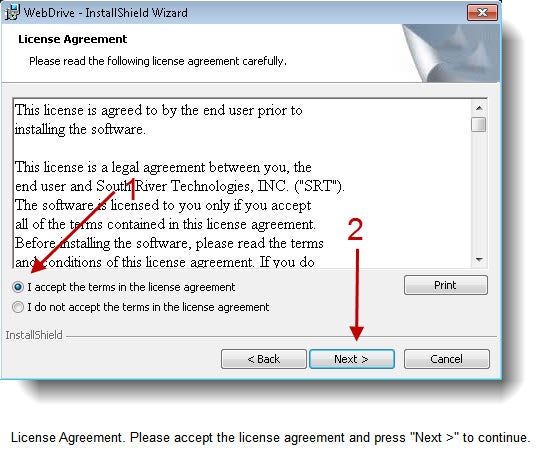
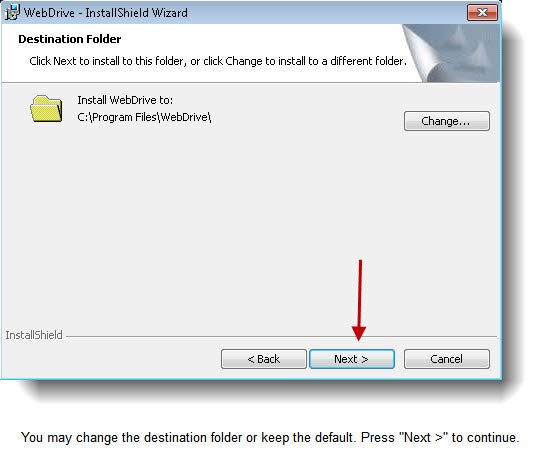
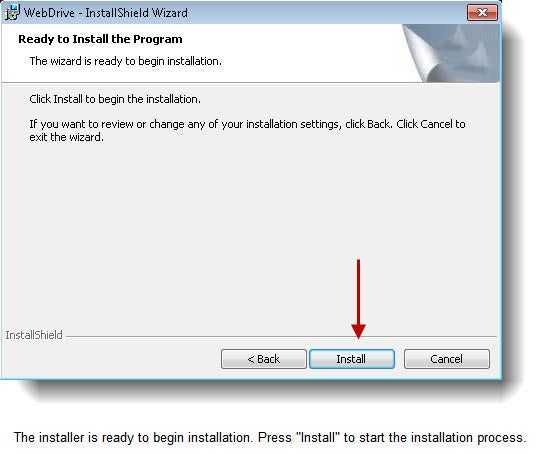
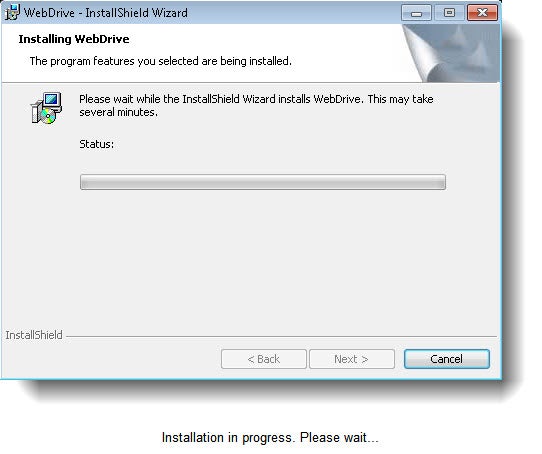
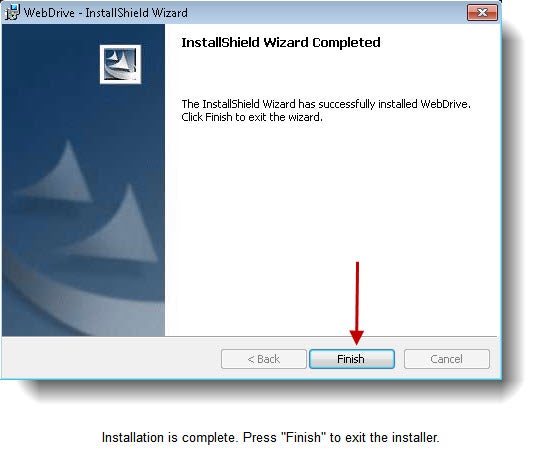
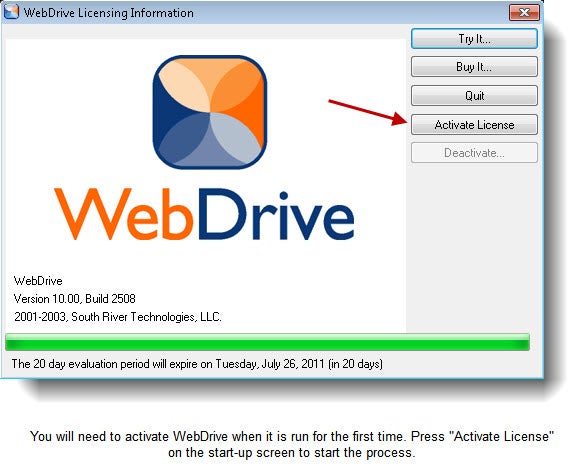
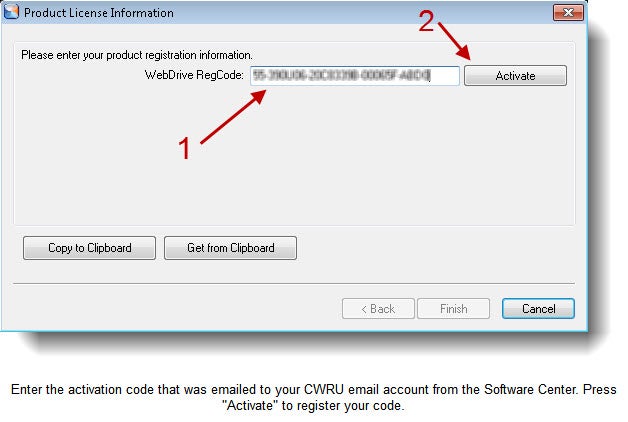
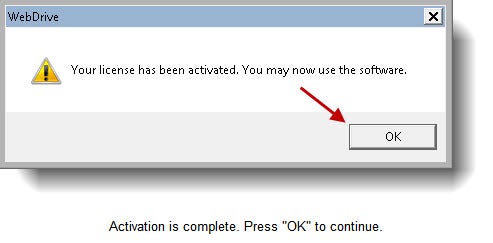
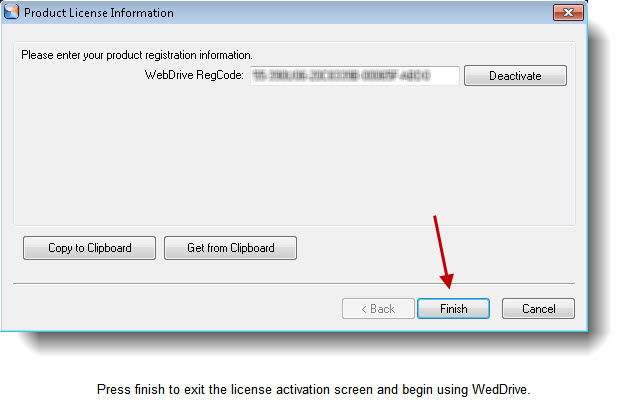
Please follow the illustrated instructions below to install WebDrive 10.
For help in resolving installation or activation problems, please contact the ITS Help Desk at 216-368-HELP