In early March, University Technology ([U]Tech) will release upgraded login management tools—such as passphrase reset/change, passphrase verify and account activation—which will enhance the security and ease of accessing pages that allow members of the Case Western Reserve University community to manage their passphrases and network IDs.
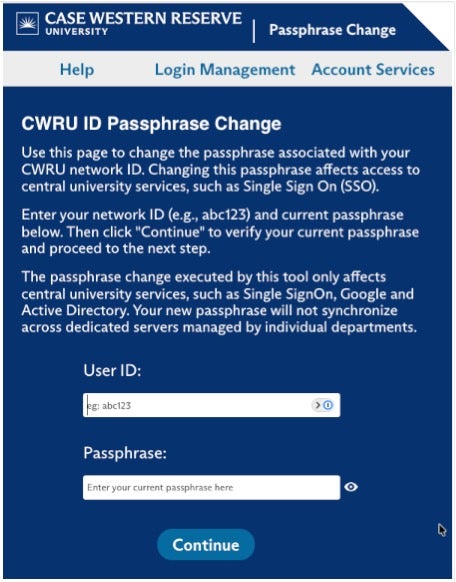
In this update, all login management tools will be moved under the https://login.case.edu/manage URL. Users can confirm the authenticity of the pages on which they are entering their ID and passphrase by verifying that the navigation bar URL begins with “https://login.case.edu/manage”.
[U]Tech also will unveil a new look to the pages that is similar to the SSO login page. Users will have several options for verifying their identity for passphrase resets, such as:
- Using the CWRU DUO service; and
- Sending an authorization code to a registered mobile device as an SMS text message or to a registered off campus email address.
Passphrase question/answer pairs have been dropped with this release.