

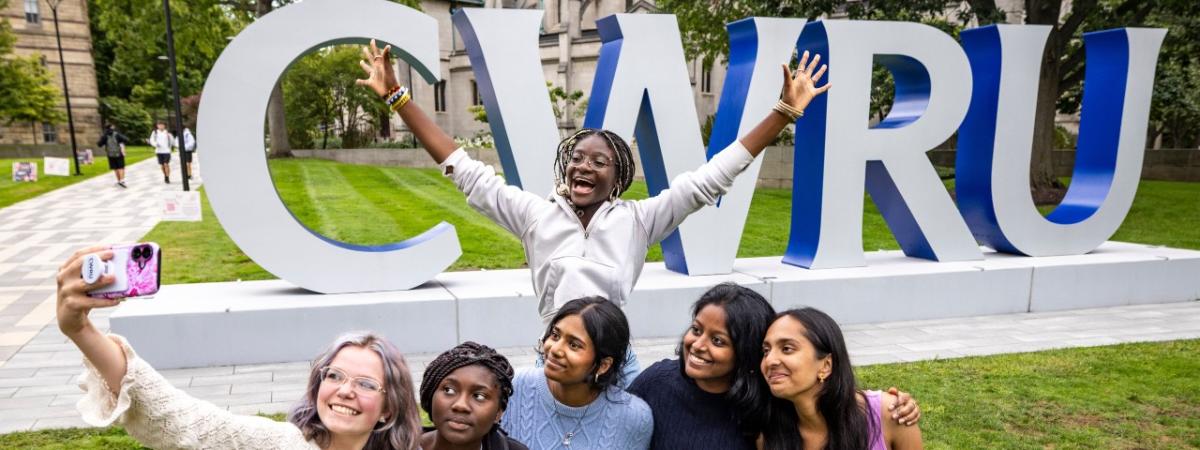
Faculty, staff and students are encouraged to adopt our brand through a range of tools. These resources—ranging from photos to logos to templates and more—will help you create materials that feature our unique identity.
Assets
Bynder is Case Western Reserve’s new Digital Asset Management (DAM) system, which is the home for university assets (e.g., photos, logos, templates). Visit digitalassets.case.edu/by/cwru to access Bynder (no login required).
How to find popular assets
Search for assets by name or type.
- Desktop backgrounds
- Logos
- Letterhead for CWRU and the schools
- Email signature graphics (e.g., .gif logos and rankings badges)
- Zoom backgrounds
- Photos (from 2024-Present) which are approved for campus use can also be found on Bynder
Google Drive and Zoom
CWRU branded templates are also now available in Google Slides (slide decks), Google Docs (letterhead) and Zoom (backgrounds).
- Google Slides: Drive > New > Google Slides > From a template > CWRU Template Gallery > 2026 CWRU Brand Templates section
- Google Docs: Drive > New > Google Docs > From a template > CWRU Template Gallery > 2026 CWRU Brand Templates section
- Zoom: Settings > Video & effects > Backgrounds
Marq
If you’re interested in using Marq—a web-based self-service design platform that features CWRU-branded, customizable templates—to create one-pagers, postcards, greeting cards and more, email brand@case.edu to request access.