

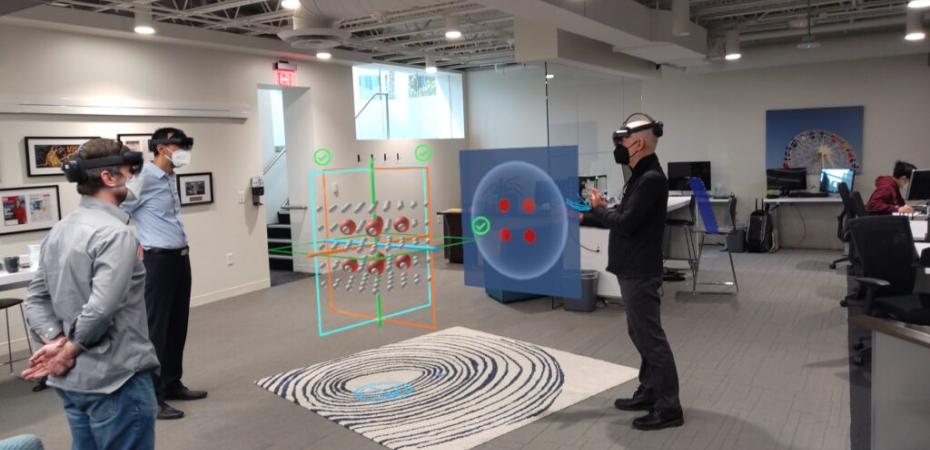
Whether you want to use an existing XR experience or create something tailored to your course, CWRU offers flexible options to help you get started. This page highlights available XR tools and platforms, along with how to begin training for teaching with XR in the classroom and navigate the XR scheduling process.
Ready-to-Use XR Content — or Build Your Own?
Whether you're looking for a proven XR application or want to develop something tailored to your course, there are options to get you started quickly.
HoloAnatomy
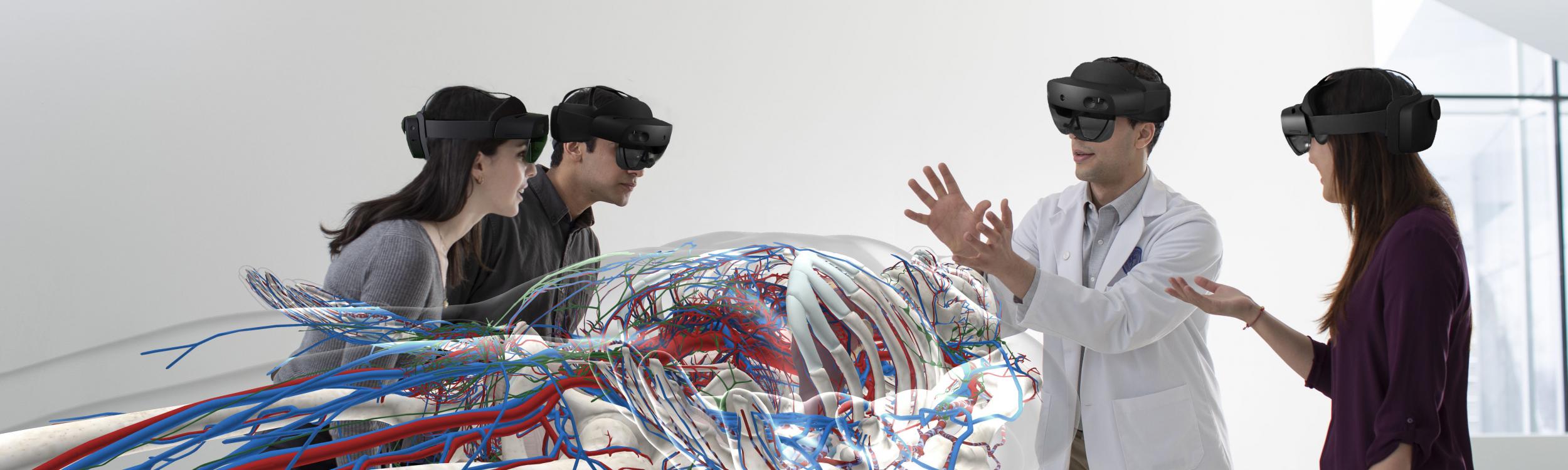
HoloAnatomy is a best-in-class mixed reality application that lets students explore the human body in 3D using Meta Quest headsets. Originally developed at Case Western Reserve University, it transforms anatomy instruction by placing life-size, interactive holograms directly in the learning environment.
HoloAnatomy is available for faculty teaching human anatomy. Learn more.
CWRUXR Platform Experiences
The CWRUXR platform includes a growing library of XR experiences that span a range of academic disciplines. Browse available content to find something that fits your course. Or faculty can also use the platform's no-code and low-code tools to create their own custom XR experiences.
Faculty planning to teach XR classes with CWRXU must complete training to receive their XR teaching “badge.” Please contact [U]Tech (help@case.edu) if you are interested in building content in HoloAnatomy. Below are some training options:
- Live workshop:
- Held periodically in XR classrooms and at the Interactive Commons
- Note: Attendance at one session is sufficient
- Asynchronous option:
- Watch training videos online, and
- Complete a brief in-person skills assessment
Skills You Will Master:
- Scheduling XR classes
- Unlocking secure XR cabinets
- Cleaning XR devices
- Powering on/off and charging devices
- Using CWRUXR in class
- Securing devices after class
- Basic troubleshooting
- Reporting technical issues
Contact the Interactive Commons at ic@case.edu to access training videos, learn about upcoming sessions, or sign up through CampusGroups.
Faculty with an XR teaching badge can schedule XR-enabled sessions in Nord Hall 356 for HoloAnatomy and CWRUXR through the CWRU EMS room scheduling system.
Training Video & Slides:
Faculty can access training videos and slide decks to guide scheduling and XR classroom use. These resources cover step-by-step instructions for using EMS, reserving XR classrooms, and best practices for managing XR sessions.
Important Reminder:
You must have completed the full XR training and received your XR teaching badge to get access to EMS scheduling.
XR Support and Resources
After the initial supported sessions, faculty are expected to lead XR class sessions independently. If you still need support or have questions, the following escalation paths are available:
HoloAnatomy
| CWRUXR
|