

Whether you are creating materials for a course, designing presentations, or hosting meetings for a group, this self-paced exploration will ensure that all learners can thrive at our university!
Ready for a Digital Accessibility Adventure?
You can sign up for Teaching and Learning Technologies’ Digital Accessibility Exploration! Whether you are faculty, staff, or a student, this exploration is meant for anyone who wants to learn more about digital accessibility with the freedom to build their own path.
The best part? You can join this adventure from anywhere! With a self-paced format on Canvas and no set schedule, you have complete control over your learning journey.
Register by clicking the button below or continue down the page to learn more about this adventure!
What is it About?
You’ll decide which trails to explore—meaning you can choose the digital accessibility tips and tricks that resonate most with you. Explore the significance of digital accessibility and assistive technology through various learning paths that teach you how to create accessible materials, including videos, Zoom meetings, documents, presentations, and PDFs.
For a better look, here's a quick overview of the trails included in the exploration:
- Intro to Digital Accessibility trail
- Zoom Meetings trail
- Recorded videos trail
- Canvas Course Content trail - includes updated info and new resources
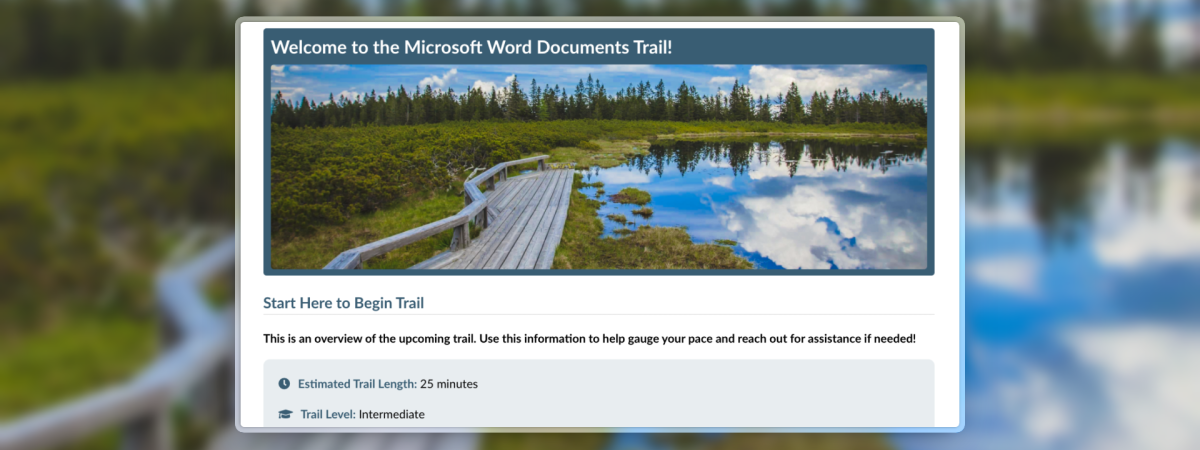
- Microsoft Word Documents trail
- Google Docs Documents trail
- Microsoft PowerPoint Presentations trail
- Google Slide Presentations trail
- Microsoft Excel Spreadsheet trail - new trail!
- PDFs trail - includes updated info and new resources
- AI for Accessibility trail
How Long is the Exploration?
That’s up to you! You build your pathway so you can decide how much time you spend exploring and what you want to get out of it. For example, we have some trails that take as little as 10 minutes to complete.
Why Sign Up?
As you go through the exploration, collect badges, apply your knowledge to your own materials, and if you explore enough trails, you’ll receive one of our CWRU Digital Accessibility travel mugs!
Enrollments are open for the entire academic year, and the camp will be updated periodically with new information, ensuring it's the most up-to-date with the current trends and workflows of digital accessibility!
Training Support
For any questions or assistance, drop in during our weekly office hours or email TLTaccessibility@case.edu for personalized guidance. For other training opportunities, be sure to sign up for our monthly TLT Digital Accessibility Newsletter!